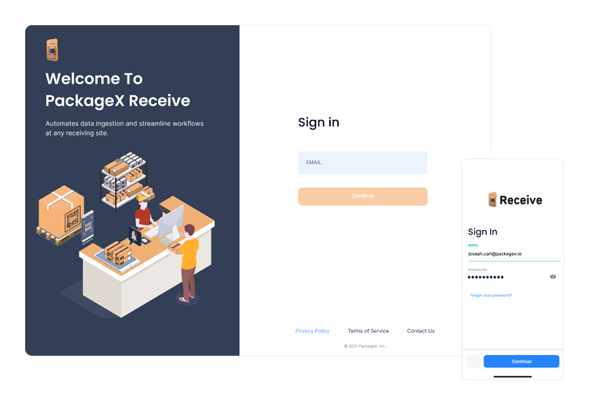
A Smarter Way to Deliver and Receive Packages
Mailroom operations need to be simple and efficient. With PackageX Receive, we bring the best of cloud technology to help you modernize your mailroom, maximize space utilization, and integrate seamlessly with your custom software.
Get Started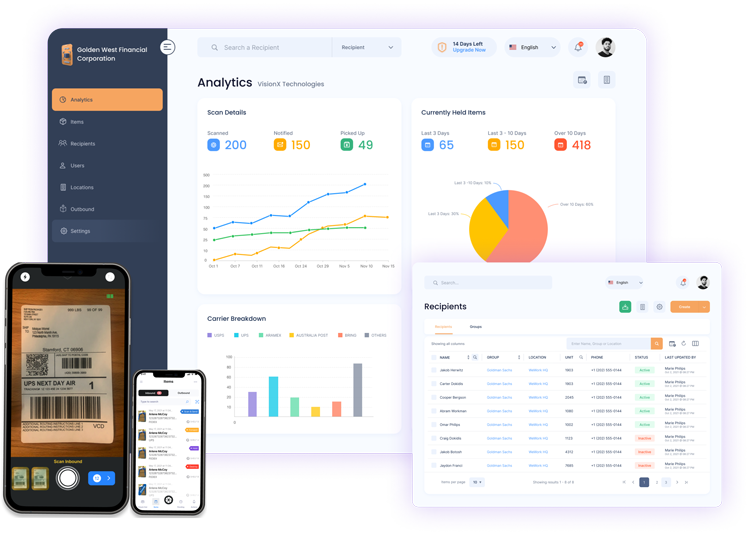
Trusted by Top Companies Worldwide
.png)
.png)
.png)
.png)
.png)
All-in-one Solution for Mailroom
A single platform that helps you handle a myriad of tasks, speeds up workflow and delivers accurate and consistent results - making your organization faster, smarter and more efficient than ever before.
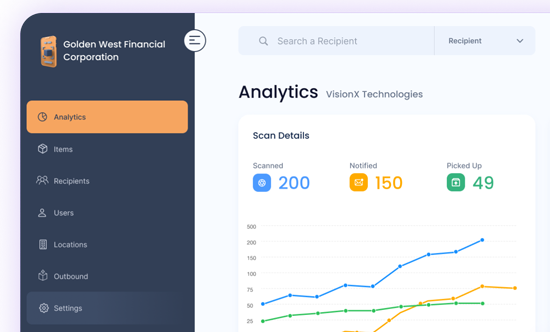
Smart Package Management
PackageX Receive gives staff and managers all the features they want most.
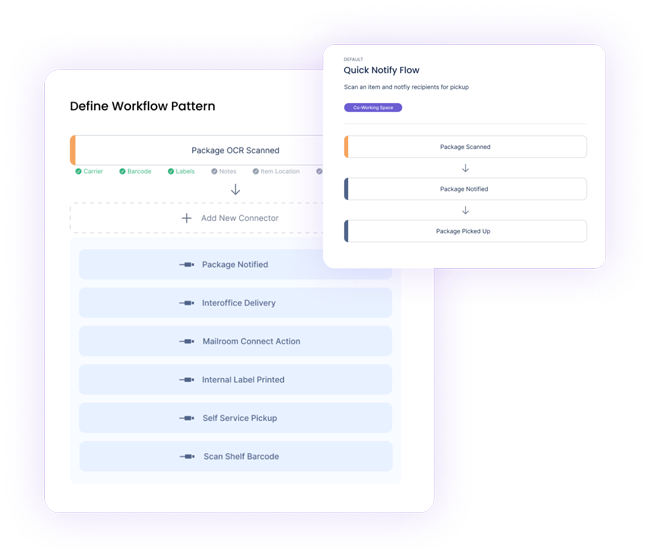
Automated Workflows
Map different steps of your receiving process on Receive app and portal.
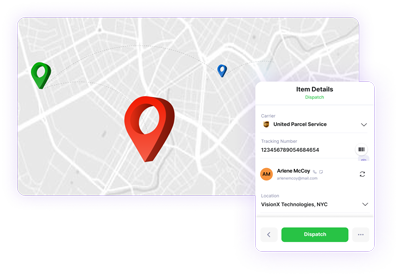
Multi-Hop Tracking
Feugiat primis ultrice semper lacus cursus feugiat undo primis ultrice a ligula an auctor tempus magnis
Cut Package Management Costs in Half
Forget about old school, ineffective ways of managing packages. Let PackageX OCR handle them instead.
A Complete Operating System
With PackageX Receive, we bring the best of cloud technology to help you modernize your mailroom, maximize space utilization, and integrate seamlessly with your custom software.
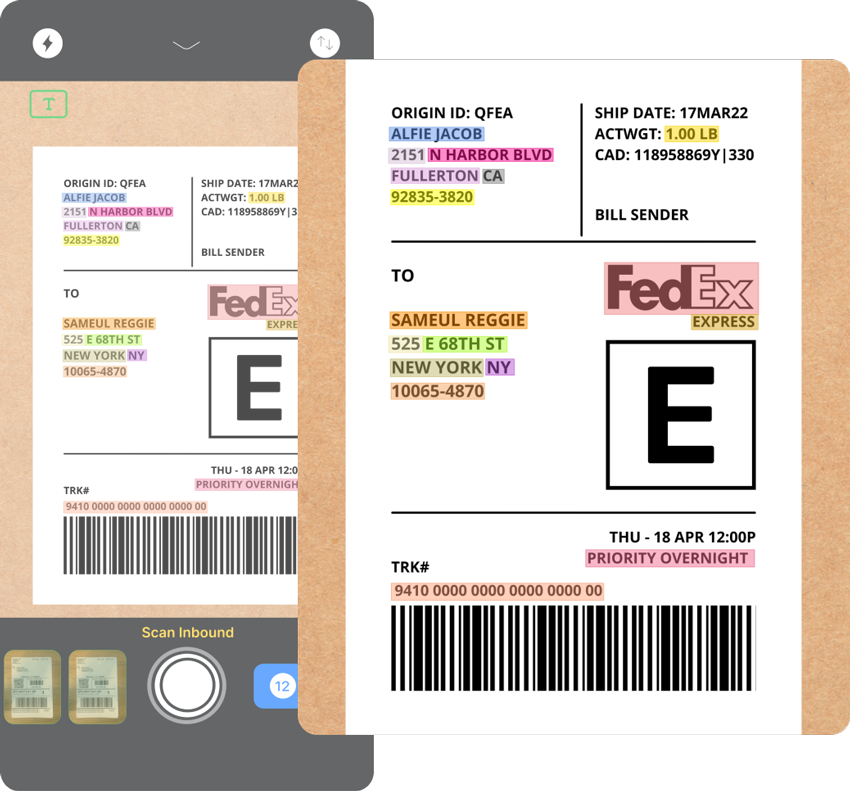
92% Faster Processing Per Package
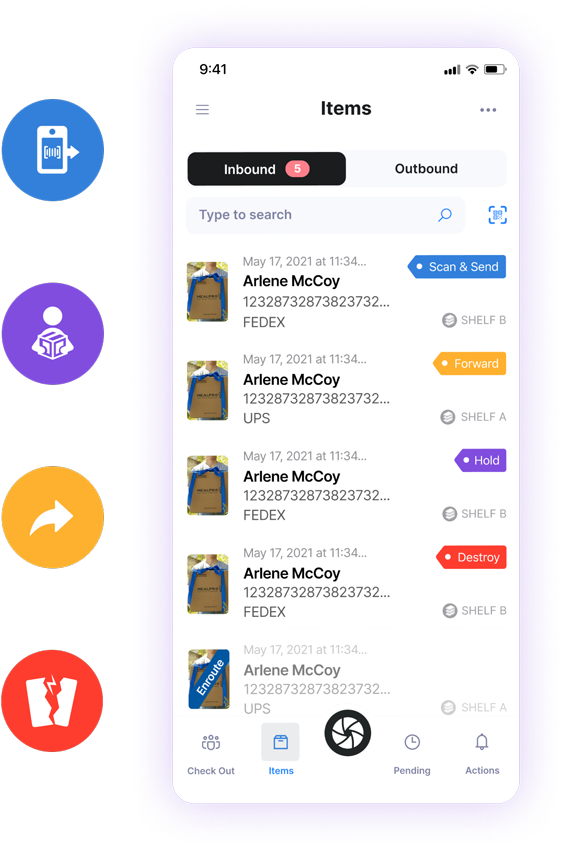
Scan and Send
Send incoming mail content digitally via the scan & send feature upon recipient request and permission.
Hold
Recipients can request their packages to be held safely at the receiving site if they are away.
Forward
Receive and complete mail forwarding requests from recipients by generating a new shipping label within the app.
Destroy
Process destroy requests on unwanted mail from recipients upon their request and permission.
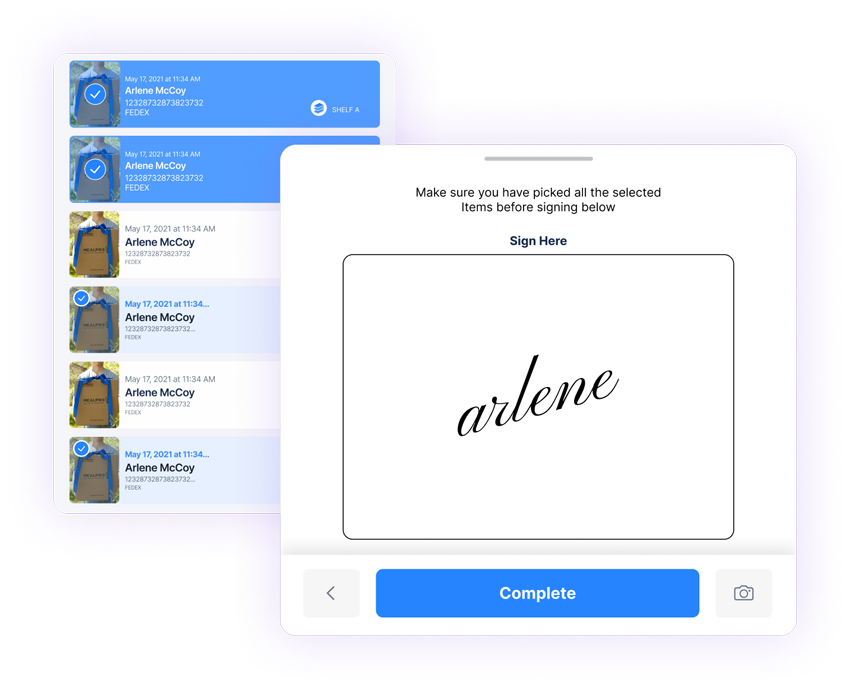
Self-Service Pick-Up
Enable self-service pick-up for your recipients through QR code scanning and check-out.
Our customers noticed 50% Reduction in retrieval and pick-up time
10M
Labels Scanned
10,834,897 happy recipients
210+
Cities
Available Across Globe
92%
Faster Processing
per package
100+ customers use PackageX apps and APIs every day in 42 countries and 210 cities.
800K
Happy
Recipients
4.86
8,376 Rating
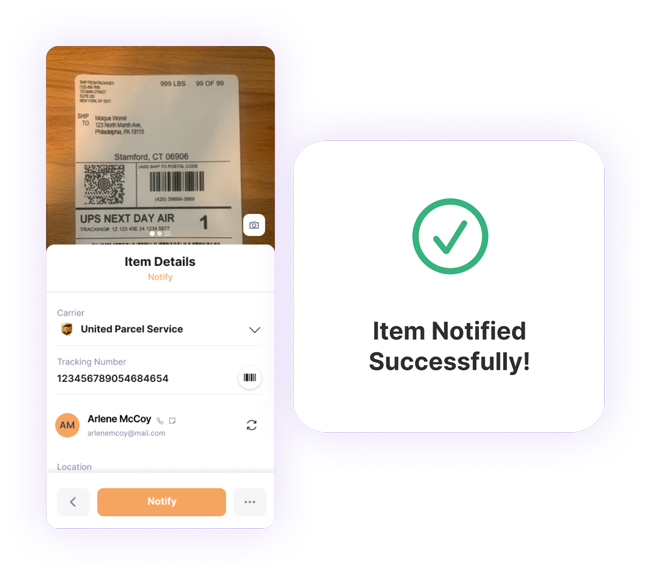
Say Goodbye to Your Mailroom Mess
The future of logistics is automation, agility, and true visibility. PackageX platform simplifies how your packages move. A single platform helps you handle a myriad of tasks, speeds up workflow and delivers accurate and consistent results - making your organization faster, smarter and more efficient than ever before.
Keep a chain of custody log on each package
Enable digital mailroom operations via Receive Connect
Get comprehensive reporting and insights via the desktop portal
Efficient staffing allocation, engagement, and satisfaction
Trusted Worldwide
PackageX Receive is helping 100s of customers manage their mailroom smartly.
I've been using PackageX for almost a year now, having used other software before for the same purpose, and I would choose PackageX every time. The support team is always available and ready to solve our problems, and they consistently incorporate feedback and improve the product to make our jobs easier.

PackageX has made our lives so much easier. The support team is incredibly responsive to whatever requests we have and tracking packages is simpler than it's ever been. Thank you!

PackageX is reliable, trustworthy, and easy to use. It has been super beneficial for our team.

PackageX has drastically improved our inbound package process. I always look forward to packages coming in because I'm amazed how easy, quick, and fun it is to scan in packages.

Got Questions? Look Here
Frequently Asked Questions
Can I scan package labels in offline mode?
No. You need a stable internet connection to scan package labels using our package receiving software.
Can I mark multiple items as picked?
Yes, you can mark multiple items as picked using the web dashboard of our package management system. Follow the steps mentioned below:
- Open the web dashboard and click "Items" from the side menu
- Select the items that you want to mark as picked. It can include overdue or held items too.
- Click the button tick on the top right corner of your screen.
- Choose the reason for marking the items picked.
- Click "Mark as Picked Up."
Can I notify multiple recipients about an item?
Yes, you can send package notifications to multiple people for a recipient's item by adding their email address as an alternate email. In this way, you can keep multiple people notified about a single package.
Do you have a free trial?
Yes, we offer 14 day free trial. No contracts, no committments. No credit card required.
How to resolve "Multiple Name/Match Error" while scanning?
After receiving package, if you are getting a "Multiple Name/ Match Error" while scanning the package label, it means the app has picked the recipient's details from the label and is partially matching it to an existing recipient with a similar name. You can resolve this error by following these steps:
- Click on the "Scan Issues Tab" from the "Pending" section of the app.
- Tap on the item with the error.
- Select the correct recipient from the list of suggested possible matches.
An enim nullam tempor sapien gravida donec congue leo metus. Vitae arcu mollis blandit integer at velna
Can I add an item manually or without scanning?
Yes, with our package receiving app, you can add an item manually or without scanning.
Have more questions? Ask your question here